
Hello Bar is a lightweight, no-code tool for adding notification bars, popups, and other on-site messages to your Squarespace site to capture email leads, announce offers, and guide visitors. It is one of the original bar-and-popup tools, built for speed and simplicity rather than complexity. This page is a plain-English rundown of what it is, what it does, what it costs, and who it suits.
Best for: Squarespace owners (especially bloggers and service businesses) who want a simple, fast notification bar or popup for email capture and announcements.
What it is
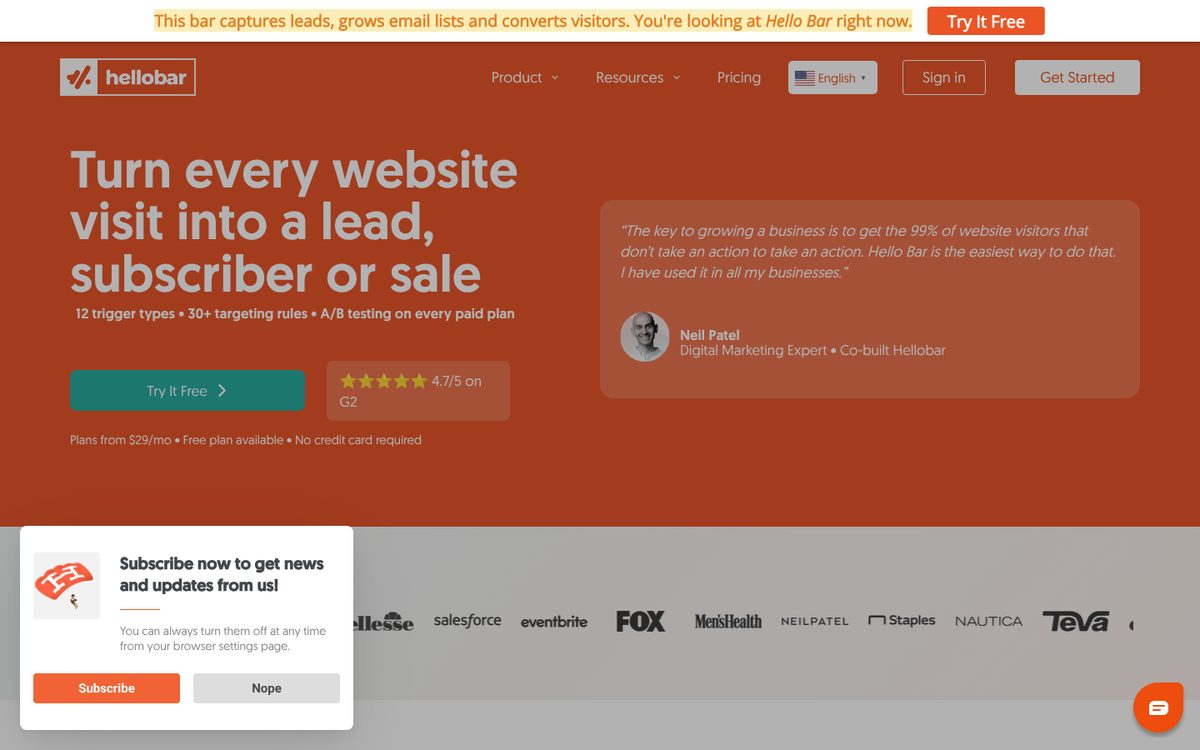
Hello Bar started as the original sticky notification bar, the slim message bar that sits at the top of a site, and has grown into a full conversion toolkit with popups, sliders, alerts, and full-page takeovers. Used on more than 600,000 websites, its whole appeal is simplicity: you can go from sign-up to a live campaign in under ten minutes, with no coding, and the script is relatively lightweight. It connects to Squarespace and passes the leads you capture straight into your email marketing tool. A useful way to frame it: where some tools try to be an entire marketing suite, Hello Bar focuses on doing the capture-and-announce job quickly and well, with the notification bar remaining its strongest format.
What it does
Hello Bar covers on-site messaging and lead capture without complexity. Key features include:
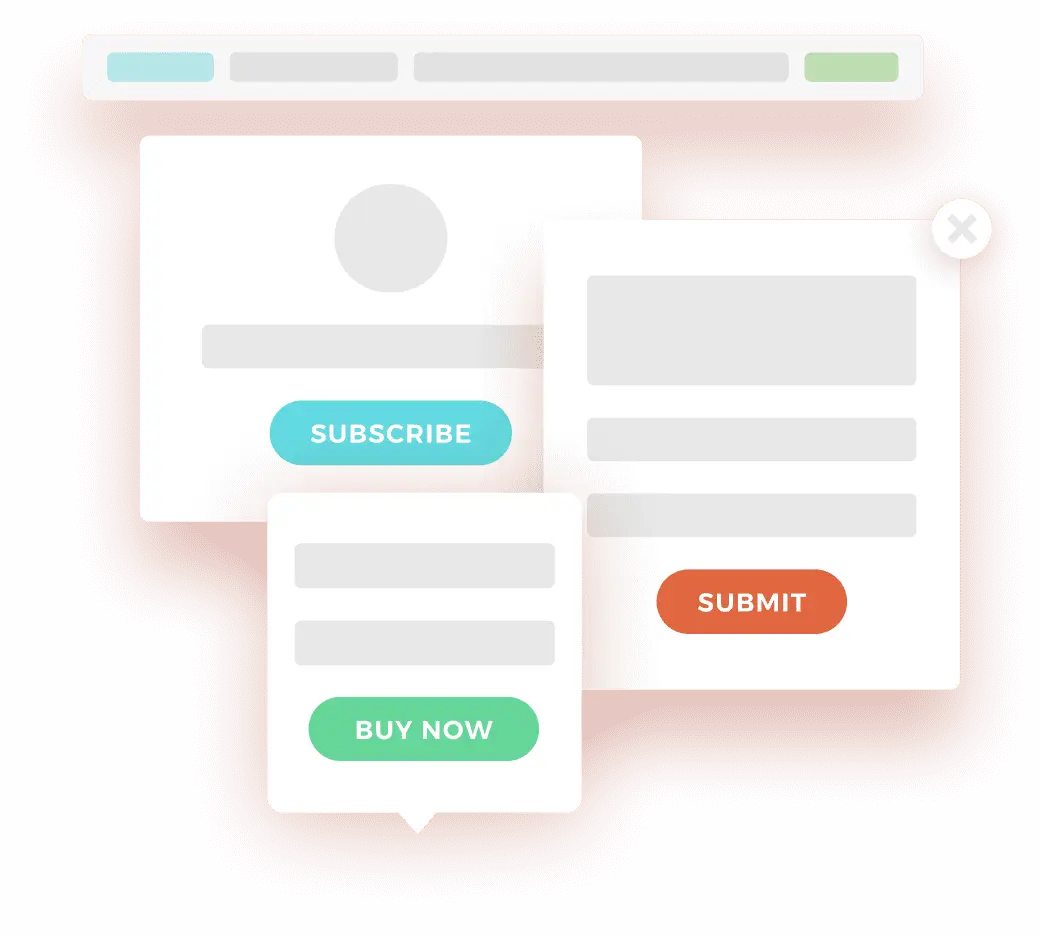
- Multiple display types: notification bars, popups, sliders, alerts, and full-page takeovers, with the bar format being its signature non-intrusive option.
- Email and lead capture that passes new subscribers straight to your email platform.
- Detailed targeting: device, location (down to city), referral source, pages visited, time on site, scroll depth, visit count, and UTM parameters, with over 200 targeting parameters in total.
- Smart exit-intent: its 2026 algorithm reads dwell time, scroll velocity, and cursor hesitation to show an offer just as a visitor is about to disengage.
- An AI Design Assistant that builds on-brand campaigns for you, removing the design burden.
- A/B testing, conversion tracking, and real-time analytics to see what is working.
- Integrations with Mailchimp, Klaviyo, ActiveCampaign, ConvertKit, AWeber, HubSpot, and more, plus Squarespace, Shopify, WordPress, and Zapier.
How it compares to the native Squarespace announcement bar
Squarespace already includes a built-in announcement bar, so it is fair to ask whether you need Hello Bar at all. The honest answer: if all you want is a single, simple message across the top of your site, the native bar is free and perfectly good, use it. Hello Bar earns its place when you want more than that: targeting different messages to different visitors, email capture built into the bar, popups and other formats alongside it, exit-intent offers, and A/B testing to improve results. In short, the native bar announces; Hello Bar announces, captures, targets, and tests.
Pricing
Hello Bar is priced by the number of popup and bar views per month, with a free plan and a free trial. As a rough guide (check the Hello Bar site for current figures):
- Free (Starter): around 5,000 views per month, with Hello Bar branding shown on your displays.
- Growth: around $29 per month for up to 50,000 views, removing branding.
- Premium: around $49 per month for up to 150,000 views.
- Elite: around $99 per month for up to 500,000 views.
Two honest notes. The free plan shows Hello Bar branding on your site, so most businesses will want at least Growth. And because pricing is view-based, costs can climb with traffic: if you exceed your plan you get a short grace period, then an overage fee (around $5 per extra 10,000 views), so it is worth watching your dashboard during high-traffic spikes like a sale.
Who it is for
Hello Bar suits Squarespace owners who want quick, effective lead capture and announcements without a heavy platform: bloggers and content creators offering a lead magnet or newsletter signup, coaches and consultants capturing enquiries, and small businesses promoting an offer. The notification bar in particular is one of the most effective non-intrusive formats for content-led sites, and the sub-ten-minute setup makes it genuinely approachable. It is a weaker fit if you want a tool that also sends your emails and texts (Hello Bar captures leads and hands them to your email platform, rather than sending campaigns itself, which is where Privy goes further), if you need deep ecommerce automation and revenue attribution, or if scheduling and advanced workflow features are important, where reviewers note Hello Bar has gaps.
Our verdict
Hello Bar is a fast, approachable way to add lead-capture bars and popups to a Squarespace site, and it remains genuinely excellent at its original job: the non-intrusive notification bar, ideal for content sites growing an email list. The targeting depth, exit-intent smarts, and AI design help are real strengths for how simple the tool is to use. The honest trade-offs are view-based pricing that can creep up with traffic, branding on the free plan, and the fact that it captures leads rather than sending email and SMS itself. If you want straightforward, well-targeted on-site messaging and you already have an email tool to send to, Hello Bar is a solid, low-friction pick. If you want capture and sending in one platform, look at Privy instead.
Frequently asked questions
Does Hello Bar work with Squarespace?
Yes. You add Hello Bar to your Squarespace site with a small script, and it then displays your bars and popups. It connects to email tools like Mailchimp and Klaviyo so captured leads flow straight into your list.
How is Hello Bar different from Squarespace’s built-in announcement bar?
Squarespace’s native bar shows one simple message with no targeting or email capture. Hello Bar adds targeting (by device, location, pages, exit intent), multiple formats (popups, sliders, takeovers), built-in email capture, and A/B testing.
Does Hello Bar send emails like Privy?
No. Hello Bar captures leads and passes them to your email platform; it does not send email or SMS campaigns itself. If you want capture and sending (including automated flows) in one tool, Privy goes further.
How much does Hello Bar cost?
There is a free plan (around 5,000 views per month, with Hello Bar branding), then Growth around $29 per month (50,000 views), Premium around $49 (150,000), and Elite around $99 (500,000). Pricing is based on popup and bar views, with overage fees above your limit.
Will Hello Bar slow down my site?
Its script is relatively lightweight, so the impact is small. As with any popup tool, the bigger consideration is using it thoughtfully, since intrusive popups can harm the visitor experience, especially on mobile. The notification bar is the least disruptive format.
This page contains affiliate links. If you subscribe through them we may earn a small commission, at no extra cost to you. We only feature tools we would recommend on their own merits.
Early access to the good stuff
Plugin drops, template picks and creator codes. Free in your inbox.
- New plugin drops
- Template picks
- Creator discount codes