
SEOSpace is an SEO tool built specifically for Squarespace. It audits your site, then gives you clear, page-by-page guidance on what to fix to improve your search rankings, without needing to be an SEO expert. This page is a plain-English rundown of what it is, what it does, what it costs, and who it suits.
Best for: Any Squarespace owner who wants to know exactly what to fix, and in what order, to rank better.
What it is
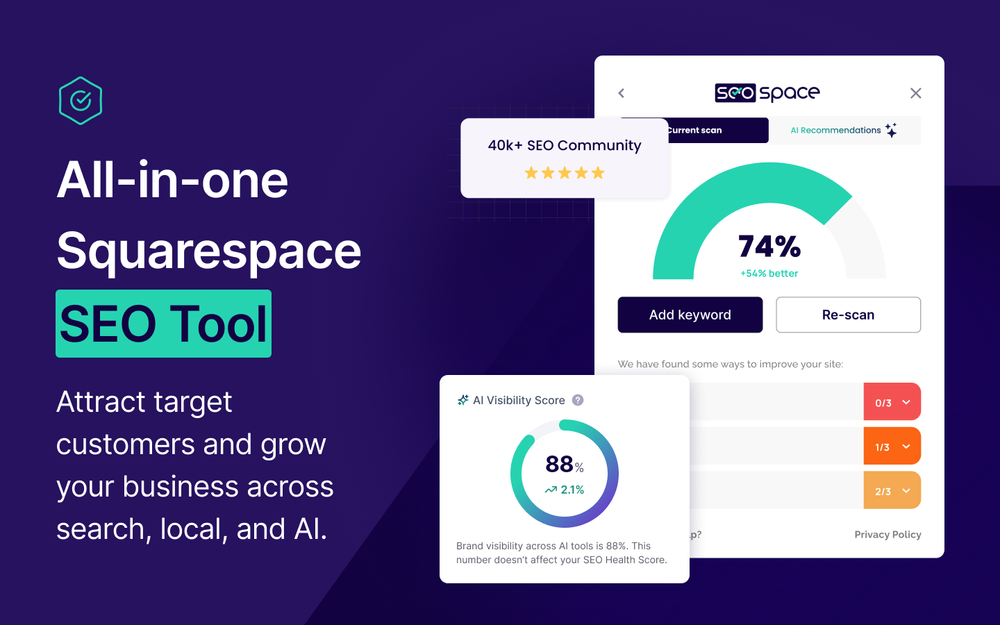
SEOSpace works alongside your Squarespace site through a browser extension and a connected dashboard. It checks each page against the things search engines actually care about, then hands you a prioritised list of fixes in plain language. Because it is made just for Squarespace, the advice maps to how the platform really works, rather than the generic checklists you get from all-purpose SEO tools. It was founded by Henry Purchase, with a team based in the UK and US, and is used by thousands of Squarespace professionals.
What it does
The core of SEOSpace is its audit and its on-page guidance, with a set of supporting tools layered on top. Key features include:
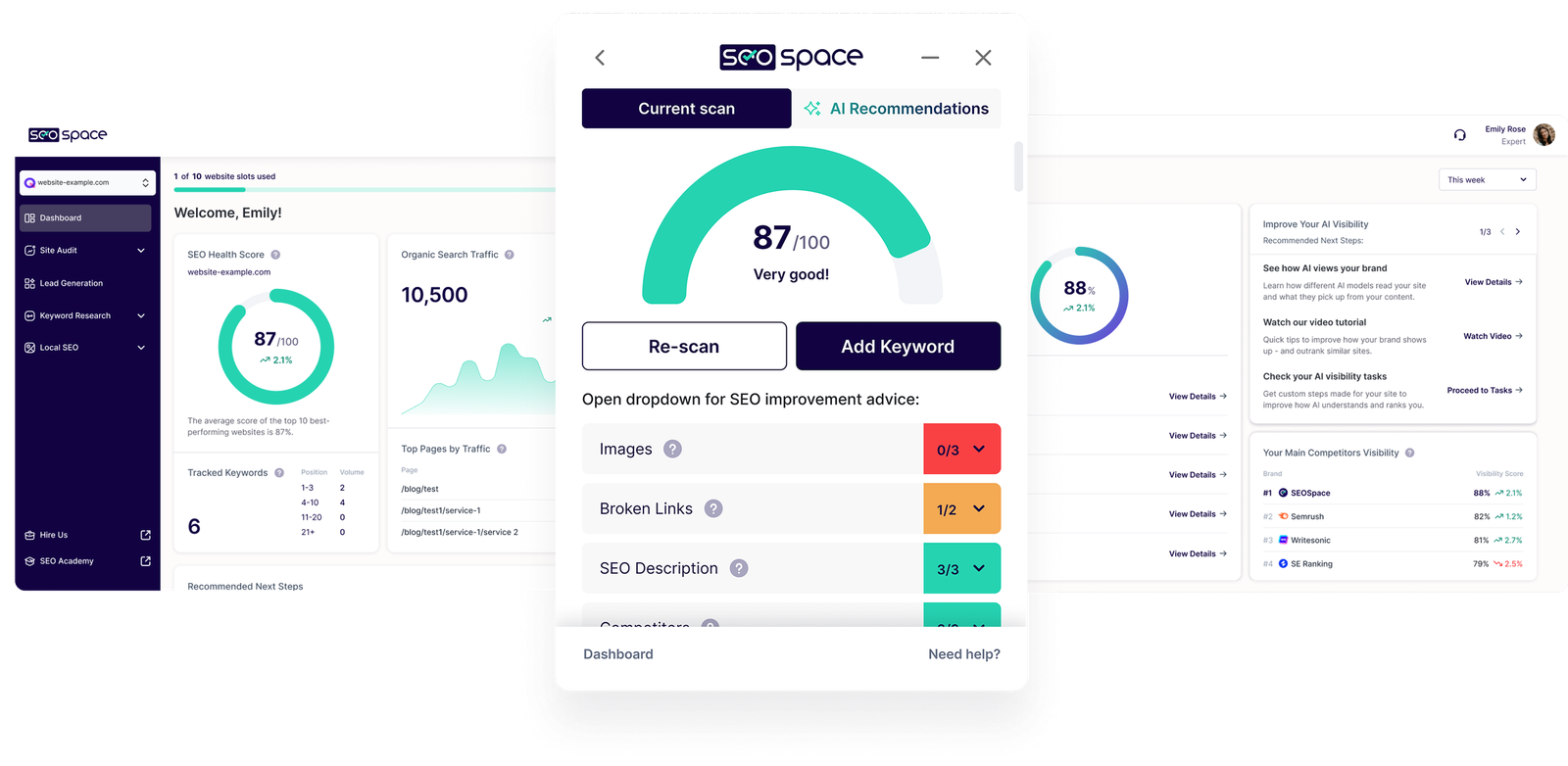
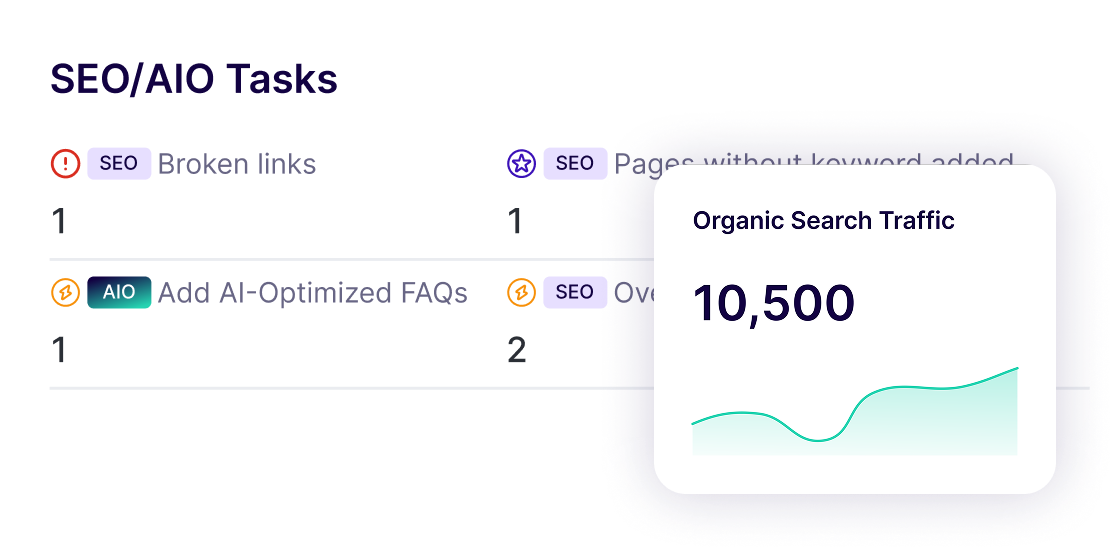
- Site-wide audits that scan your whole site, give it an SEO score, and produce a prioritised to-do list so you know what to tackle first.
- Page-by-page scans you can run inside the Squarespace editor or on any live Squarespace site (useful for sizing up a competitor), with specific instructions for each issue.
- Keyword research showing search volume and ranking difficulty, so you target terms you can realistically win.
- AI assistance for drafting SEO page titles, blog ideas, and product descriptions, so you are not starting from a blank page.
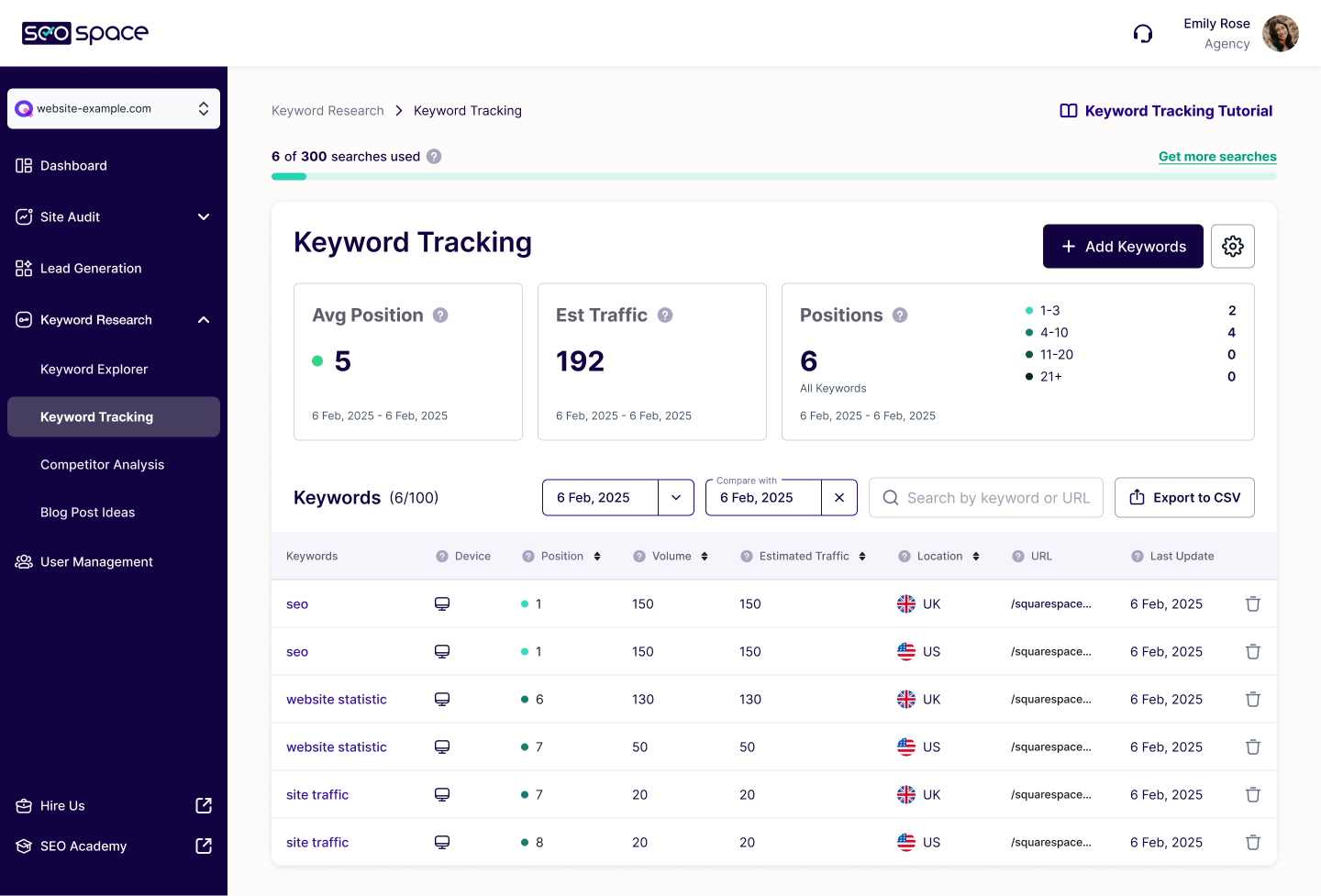
- Rank tracking that monitors where you sit in Google week to week.
- AI visibility tracking showing how your content surfaces in tools like ChatGPT and Perplexity.
- Local SEO tools to see how you rank in your area and attract nearby customers.
- Technical checks for things like oversized images, page titles, meta descriptions, and clean URL slugs, fixable directly from the guidance.
- Automatic monthly monitoring and reports, plus Google Search Console integration for richer recommendations.

Pricing
SEOSpace uses a tiered subscription, billed through Stripe, with a free option to try it first. Annual billing is cheaper per month than paying monthly. As a rough guide (check the SEOSpace site for current figures):
- Free: scan live Squarespace pages, plus access to the community and tutorials. A no-cost way to see how it works.
- DIY: around £8 to £12 (roughly $9.99 to $14.99) per month. One website, site audits up to 100 pages, monthly monitoring, and keyword research with limited credits. Rank tracking, backlinks, AI visibility, and local SEO are available as add-ons.
- Designer: around $24.99 to $39.99 per month. Up to three websites, larger audits (up to 500 pages), downloadable PDF reports, the ability to scan draft and password-protected pages, and user management.
- Agency: the top tier, adding five website slots, unlimited page scans, and priority support, aimed at studios managing multiple client sites.
You can upgrade, downgrade, or cancel at any time, which makes it easy to scale up as you take on more sites.
Who it is for
SEOSpace suits small business owners and solo Squarespace owners who want a clear, jargon-free to-do list instead of guesswork. It also works well for designers and agencies who manage client sites and need to monitor and report on SEO across several websites at once. If you already live in enterprise tools like Ahrefs or Semrush and know exactly what you are doing, SEOSpace will feel lighter, but for most Squarespace owners that focus is the point.
Our verdict
SEOSpace is the most Squarespace-native SEO tool we feature, and that is its strength: the advice fits the platform, the steps are concrete, and the prioritised task list means you are never staring at a wall of metrics wondering where to begin. If your goal is steady, structured progress on rankings without hiring an SEO consultant, it is an easy one to recommend.
Frequently asked questions
Is there a free version of SEOSpace?
Yes. There is a free option that lets you scan live Squarespace pages and access the community and tutorials, so you can see how it works before paying.
Does SEOSpace work on any Squarespace site?
Yes. You can scan your own pages in the editor or on a live site, and you can also scan other live Squarespace sites, which is handy for checking how competitors are set up.
Do I need SEO experience to use it?
No. The whole point of SEOSpace is jargon-free, step-by-step guidance. It tells you what to fix and how, in plain English.
Can I use SEOSpace for client websites?
Yes. The Designer and Agency plans support multiple websites, user management, PDF reports, and priority support, which suits designers and agencies.
How much does SEOSpace cost?
There is a free tier, with paid plans starting at roughly $9.99 to $14.99 per month for a single site and rising for plans that cover more websites and pages. Annual billing is cheaper than monthly. Check the SEOSpace site for current pricing.
This page contains affiliate links. If you subscribe through them we may earn a small commission, at no extra cost to you. We only feature tools we would recommend on their own merits.

