
Spark (the Spark Plugin) is a no-code design tool for Squarespace that gives you a library of 100+ custom design elements and effects you can install and style without writing code. Instead of buying and pasting a separate snippet for every feature, you get the whole collection under one subscription. This page is a plain-English rundown of what it is, what it does, what it costs, and who it suits.
Best for: Squarespace 7.1 owners who want a big toolbox of design effects and interactive elements in one affordable subscription, no code.
What it is
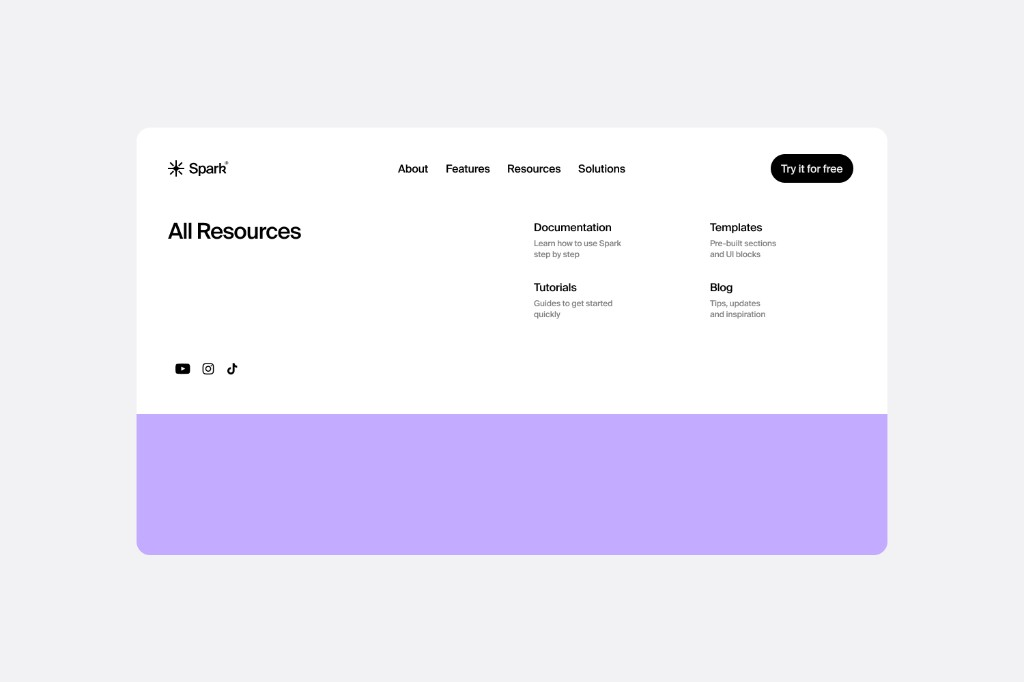
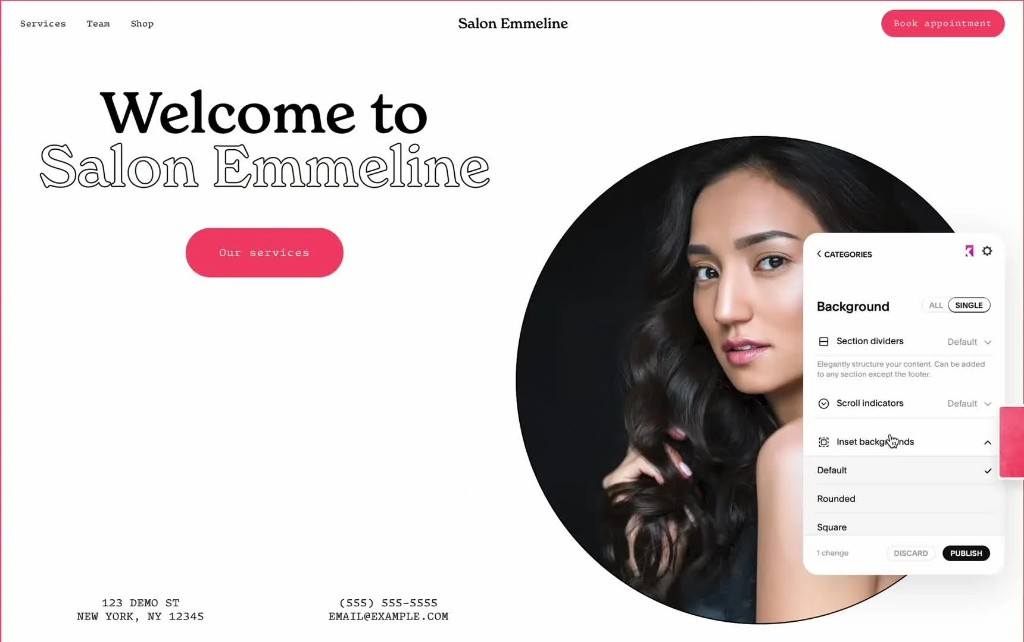
Spark is a single tool that bundles a large library of design elements, effects, and mini-plugins for Squarespace 7.1. Rather than sourcing and installing individual code snippets for each feature, you install Spark once and unlock the whole collection, then apply and style each element visually. It is designed to turn a generic Squarespace site into something more distinctive, with over 100 customisation options.
What it does
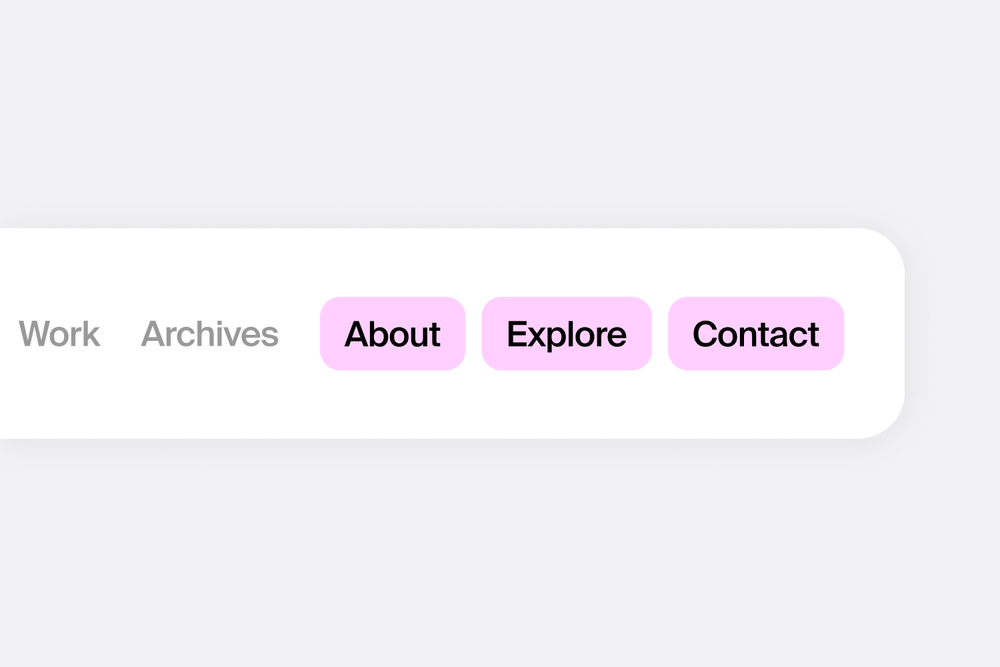
Spark bundles dozens of design elements and effects under one subscription, all applied without code. Examples include:
- Animated, scroll-reactive images and effects that move as visitors scroll.
- A video lightbox, so a thumbnail click opens a YouTube video in a clean overlay.
- Glassmorphism styles for lists, carousels, and slideshows.
- A live chat element (WhatsApp, Messenger, or email links) with a customisable profile, message, and availability.
- A content filter for portfolios, blog posts, event pages, and gallery blocks.
- Section visibility controls to hide specific sections on mobile with a click.
- Many more elements, all included in the one library and styled visually.

Pricing
Spark is a subscription, and the appeal is that one low monthly price unlocks the whole element library rather than charging per feature. As a rough guide (check the Spark site for current tiers and any annual discount):
- From around $9 per month, with the full library of elements and effects included.
- Built for Squarespace 7.1, and it needs a Business plan or higher, because it relies on code injection.
Who it is for
Spark suits DIY owners and designers who want a broad set of design effects and interactive elements from a single, affordable subscription, rather than buying lots of separate plugins. Because it covers so many small features at once, it is well suited to people who like to experiment and add polish across a whole site. It does need Squarespace 7.1 and a Business plan or higher, so it is not a fit for 7.0 sites or the cheapest tier.
Our verdict
Spark is one of the better-value ways to add a wide range of no-code design effects to Squarespace, precisely because the low monthly price unlocks the entire library instead of charging feature by feature. If you would otherwise buy several separate plugins, Spark often works out cheaper and simpler to manage. Just keep in mind it is a subscription (the effects rely on Spark staying active), and you will need 7.1 with a Business plan or higher.
Frequently asked questions
What is Spark for Squarespace?
It is a no-code design tool that bundles 100+ design elements and effects into one subscription, so you can add features and styling to a Squarespace 7.1 site without code.
How much does Spark cost?
It is a subscription starting at around $9 per month, with the full element library included. Check the Spark site for current tiers and any annual discount.
Do I need code to use Spark?
No. You install it once, then apply and style elements visually. It does require a Squarespace Business plan or higher, since it uses code injection.
Does Spark work on Squarespace 7.0?
Spark is built for 7.1. If you are on 7.0, check with Spark directly on compatibility.
How is Spark different from buying individual plugins?
Instead of paying for and installing a separate snippet per feature, Spark gives you the whole library of elements under one subscription, all applied without code.
This page contains affiliate links. If you subscribe through them we may earn a small commission, at no extra cost to you. We only feature tools we would recommend on their own merits.

