
Termly is an all-in-one compliance tool that generates the legal policies your Squarespace site needs (privacy policy, terms and conditions, cookie policy, and more) and manages cookie consent with a banner and automatic cookie scanner. It is known for a genuinely usable free plan. This page is a plain-English rundown of what it is, what it does, what it costs, and who it suits.
Best for: Squarespace owners who want free or low-cost legal policies plus proper cookie-consent management in one place.
What it is
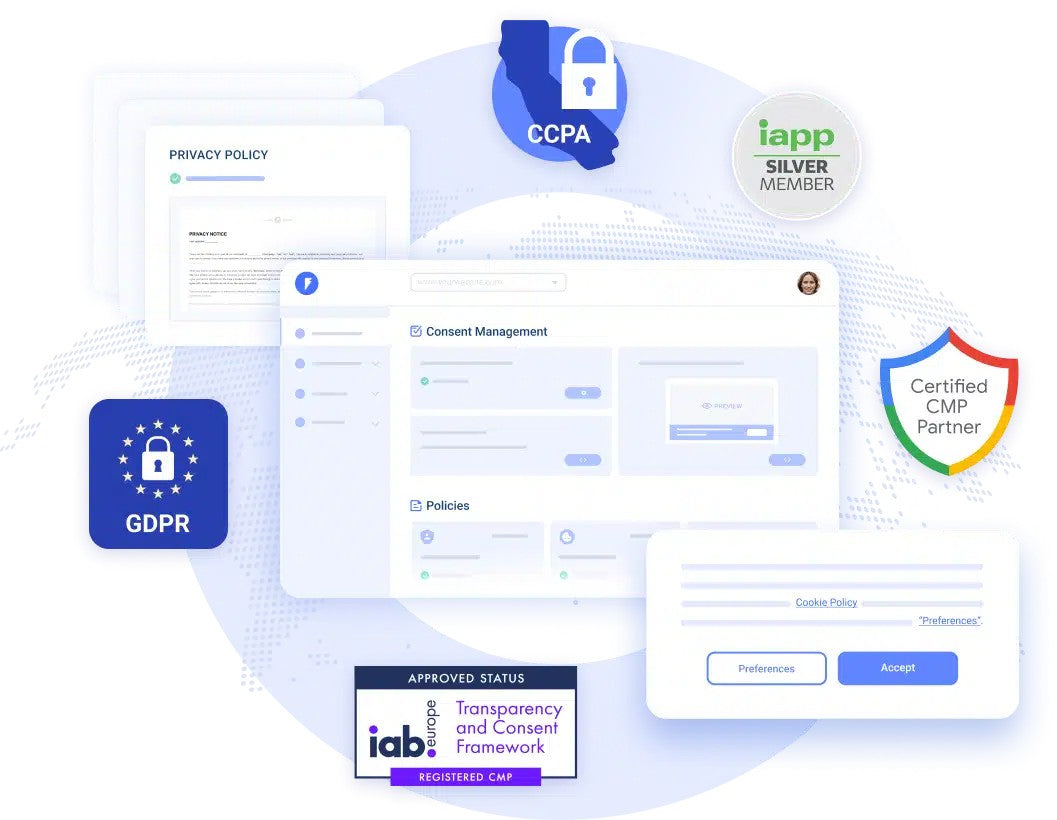
Termly is a data-privacy compliance platform that combines two things in one dashboard: attorney-crafted legal policy generators, and a cookie consent management platform. You answer a guided questionnaire and it produces ready-to-use policies in plain language, then embeds them and a cookie consent banner on your Squarespace site. A built-in scanner finds and categorises the cookies your site uses, and a legal team monitors privacy laws to keep the documents current. It covers a broad set of global regulations (GDPR, CCPA, and many more), and works on Squarespace, WordPress, Wix, and custom sites.
It pairs naturally with Termageddon, the other legal tool we cover, and it is worth knowing the difference. Termly leads with a free plan and strong cookie-consent tooling, making it the easy, low-cost entry point. Termageddon is the attorney-founded specialist focused on continuously auto-updating policies. Many small sites start with Termly; those wanting the most rigorous, always-updating policy coverage look at Termageddon.

What it does
Termly covers both legal documents and cookie consent from one place. Key features include:
- A broad policy library of 10+ document types: privacy policy, terms and conditions, cookie policy, disclaimer, EULA, return policy, and more, generated from a guided questionnaire.
- A cookie consent banner you embed on your Squarespace site, customisable in colour, font, and style on paid plans.
- Automatic cookie scanning that discovers and categorises the cookies and trackers your site uses, with scheduled rescans.
- A script auto-blocker that holds non-essential cookies until a visitor consents, which is what GDPR actually requires.
- A consent preference centre and consent logs so visitors can manage choices and you keep records (logs on higher tiers).
- Automatic policy updates as laws change, with a legal team monitoring regulations (on paid tiers).
- Multi-language support, regional consent rules, and an embeddable data-request (DSAR) form for broader compliance.
Pricing
Termly has a genuinely useful free plan and affordable paid tiers, billed per website, with annual billing cheaper than monthly. As a rough guide (check the Termly site for current figures):
- Free: $0. One basic legal policy, a cookie consent banner, the script auto-blocker, and quarterly cookie scans, with a monthly banner-view cap. A real starting point, not just a teaser.
- Starter: around $10 per month (annual). Two policies, monthly cookie scans, regulation monitoring, regular policy updates, and a higher banner-view allowance.
- Pro+: around $15 per month (annual). Unlimited policies and edits, unlimited banner views, weekly scans, auto-updated policies, consent logs, multi-language support, custom banner styles, regional consent rules, and removal of Termly branding.
- Agency: a higher tier for resellers and anyone managing many client sites, with bulk website management.
Two honest notes. The features most businesses actually need for full compliance, consent logs, multi-language, custom banner styling, and auto-updating policies, sit on Pro+, so the Free and Starter plans are best seen as basic coverage. And hosted policies are embedded from Termly, so your compliance stays tied to keeping the subscription active.
Who it is for
Termly suits Squarespace owners who want an affordable, beginner-friendly way to handle both legal policies and cookie consent without hiring a lawyer, especially anyone who needs a proper GDPR-style consent banner with cookie scanning and blocking, not just a static policy. The free plan is great for getting basic coverage live quickly, and the agency tier makes it a sensible pick for web designers managing client sites. It is a weaker fit if you only need a one-off policy with no cookie banner (a simpler generator may do), if you need highly bespoke clauses (customisation is somewhat limited), or if your priority is the most rigorous, continuously auto-updating policy coverage, where Termageddon is worth comparing.
Our verdict
Termly is one of the easiest and most affordable ways to cover both sides of website compliance, legal policies and cookie consent, from a single dashboard, and the free plan genuinely lets a small Squarespace site get compliant basics live in minutes. Its cookie scanner, auto-blocker, and consent banner are the standout, since they address the part of GDPR that a static policy alone does not. The honest caveats are that the fuller compliance features (consent logs, auto-updating policies, custom styling) require Pro+, and that hosted policies stay tied to your subscription. For most small Squarespace sites wanting straightforward, low-cost compliance, it is an excellent choice, and a natural companion to Termageddon for those wanting deeper policy rigour.
Frequently asked questions
Does Termly work with Squarespace?
Yes. Termly generates your policies and a cookie consent banner, which you embed on your Squarespace site. The cookie scanner and consent manager support Squarespace alongside WordPress, Wix, and custom sites.
Is Termly really free?
Yes, it has a genuine free plan: one basic legal policy, a cookie consent banner, the script auto-blocker, and quarterly cookie scans, with a monthly banner-view limit. Paid plans add more policies, higher limits, and advanced features.
Does Termly handle cookie consent, not just policies?
Yes, and that is a key strength. It scans your site for cookies, categorises them, blocks non-essential cookies until a visitor consents, and displays a customisable consent banner, which is what laws like the GDPR actually require.
How much does Termly cost?
There is a free plan, then Starter at around $10 per month and Pro+ at around $15 per month (both billed annually, per website), plus a higher Agency tier for managing multiple client sites.
How is Termly different from Termageddon?
Termly leads with a free plan and strong cookie-consent tooling, making it the low-cost all-in-one entry point. Termageddon is the attorney-founded specialist focused on continuously auto-updating policies. Many sites start with Termly; those wanting the most rigorous policy coverage consider Termageddon.
This page contains affiliate links. If you subscribe through them we may earn a small commission, at no extra cost to you. We only feature tools we would recommend on their own merits.

